

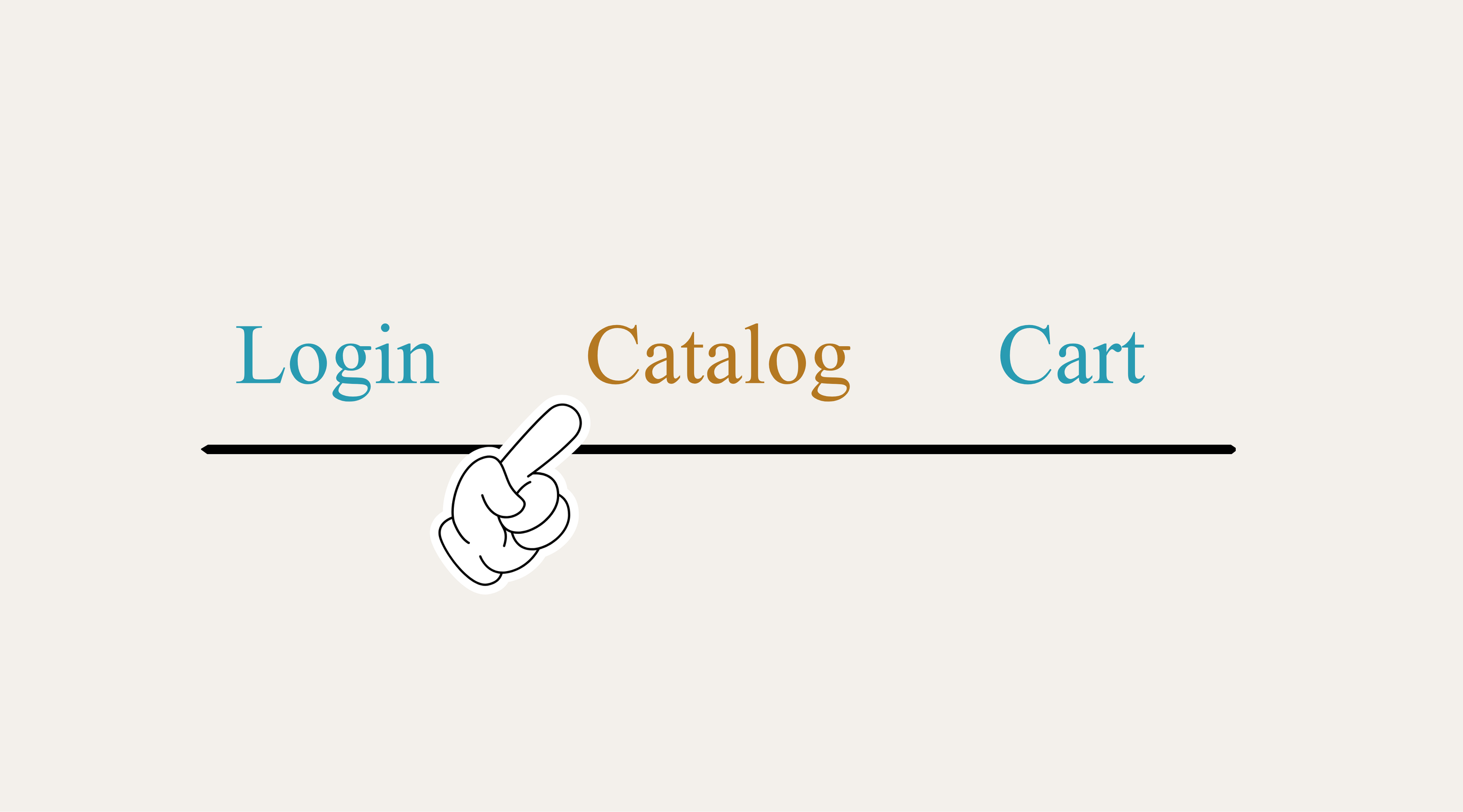
place an order
From the navigation menu at the top of the page, click Catalog to browse your products. Each SKU has an Add to Cart button — be sure to click each Add to Cart button individually to ensure each SKU has been added to your order.
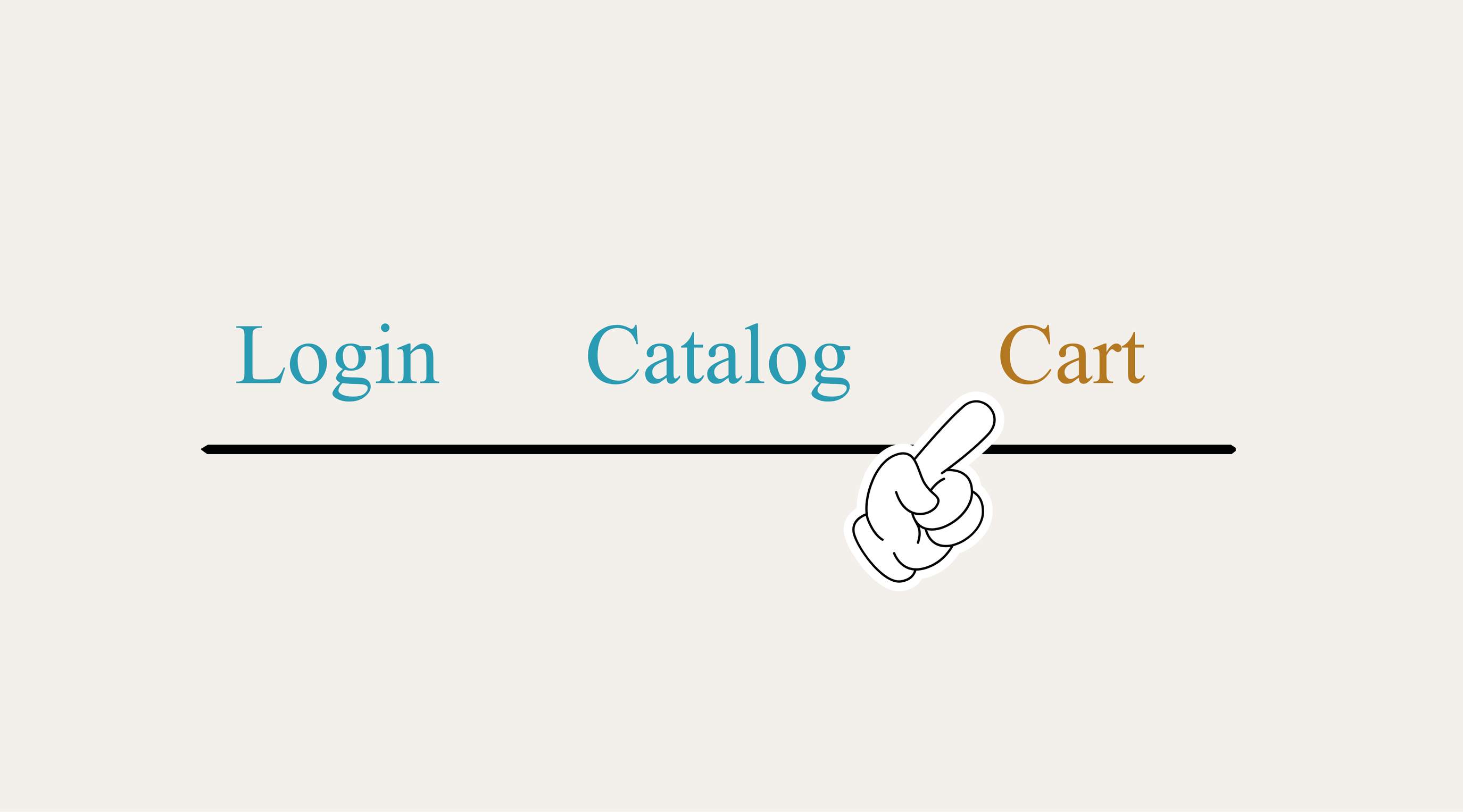
view your cart and account info
From the navigation menu at the top of the page, click Cart in order to:
- View and manage your active cart
- Track active and previous orders
- Review your account information
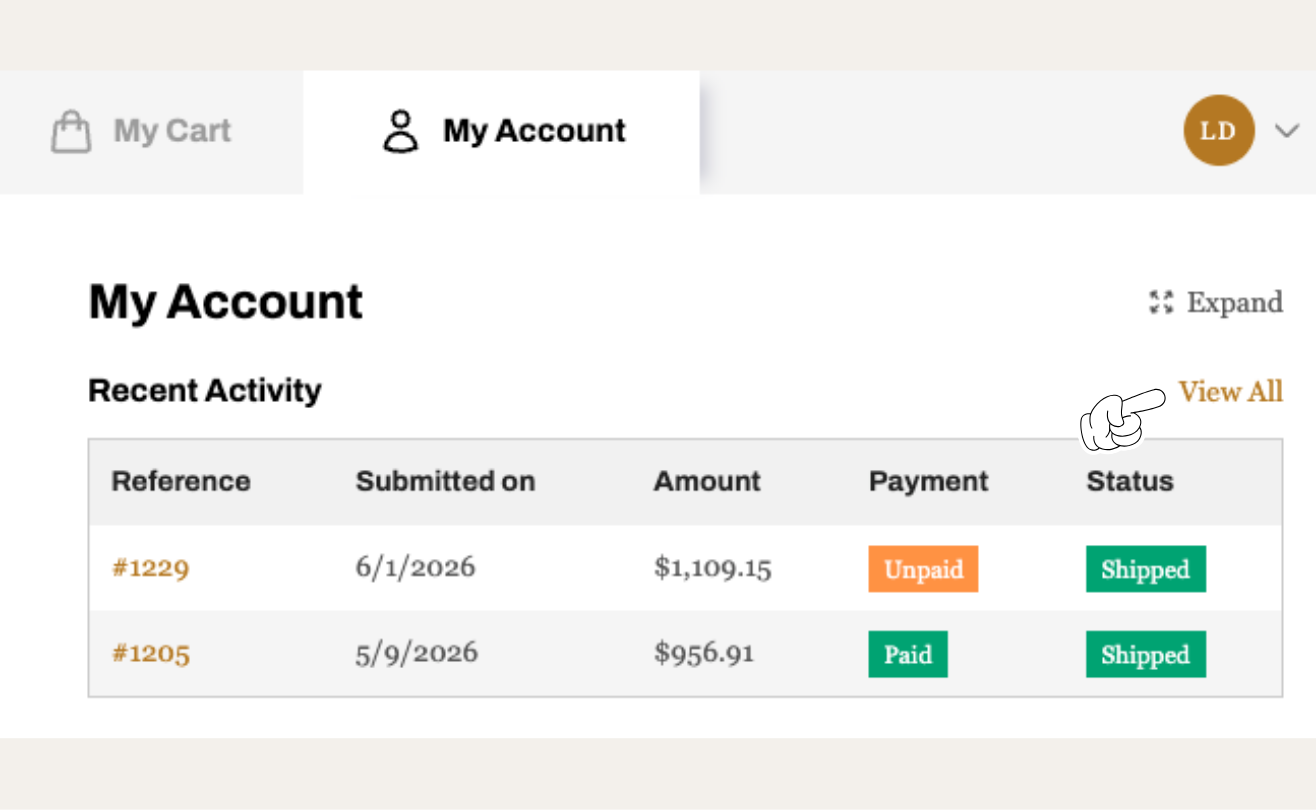
View order history
Click on Cart in the navigation menu at the top of the page. From there, you'll see My Cart and My Account. Click on My Account and you'll see your Recent Activity. Click on View All to see your entire order history.
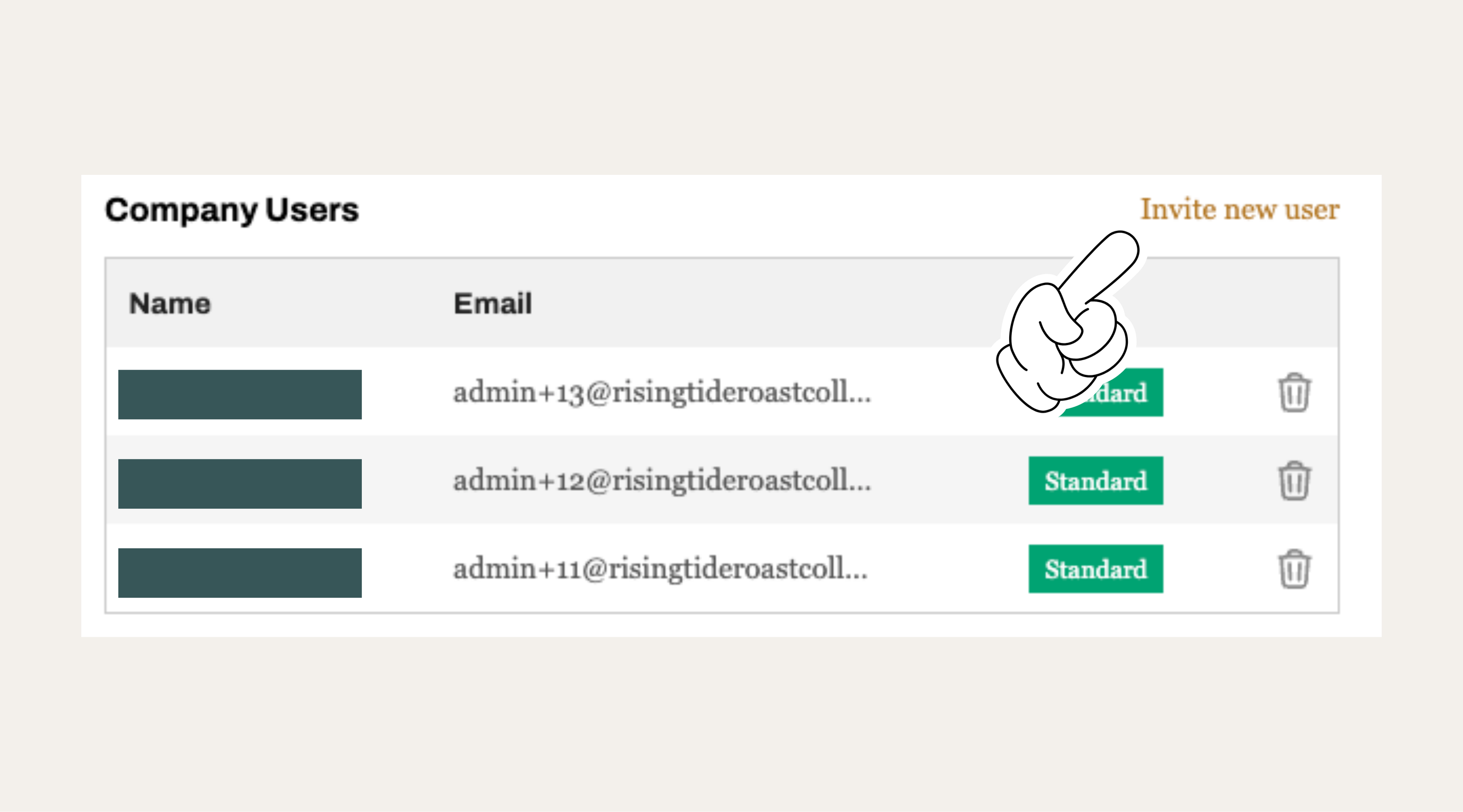
Add company users
To add a new user, go to My Account and scroll down to the Company Users section. Click Invite New User and enter their contact information — they'll receive an email to activate their account. Note that all users can view activity across the entire organization.
Please be sure to notify the RTRC team when adding a new user, as we'll need to approve their account before they can access the Catalog and place orders.
admin@risingtideroastcollab.com